How to Quit Doomscrolling (and What to Replace It With)

You meant to check one thing. Forty minutes later you're deep in bad news and worse takes, feeling drained. Doomscrolling isn't a character flaw — the apps are engineered to do exactly this. The good news: once you see the mechanism, you can dismantle it.
Why you doomscroll (it's not weakness)
Feeds run on variable rewards — the same mechanism as a slot machine. Most pulls are boring, but occasionally something gripping appears, and the unpredictability keeps you pulling. Pair that with an infinite feed (no natural stopping point) and a stressed, tired brain looking for distraction, and the loop runs itself.
So the fix isn't "have more discipline." It's to break the loop's mechanics and give the urge somewhere better to go.
Step 1 — Add friction to the feed
Make the easy hit less easy:
- Log out after each session, so opening the app takes effort.
- Turn the screen grayscale — color is a big part of the pull.
- Delete the app from your phone, use it only in a browser (far less sticky).
- Kill notifications — every badge is a manufactured cue.
- Set an app timer and put a physical barrier between you and the phone in the evening.
None of these rely on willpower in the moment; they change the environment so the default shifts.
Step 2 — Replace it, don't just block it
Blocking alone leaves a vacuum, and the habit rushes back to fill it. You need a replacement that hits the same cue and reward. Doomscrolling is usually triggered by tired + need a break + want distraction — so the replacement has to be low-effort and genuinely diverting:
- A short walk or a few minutes of stretching
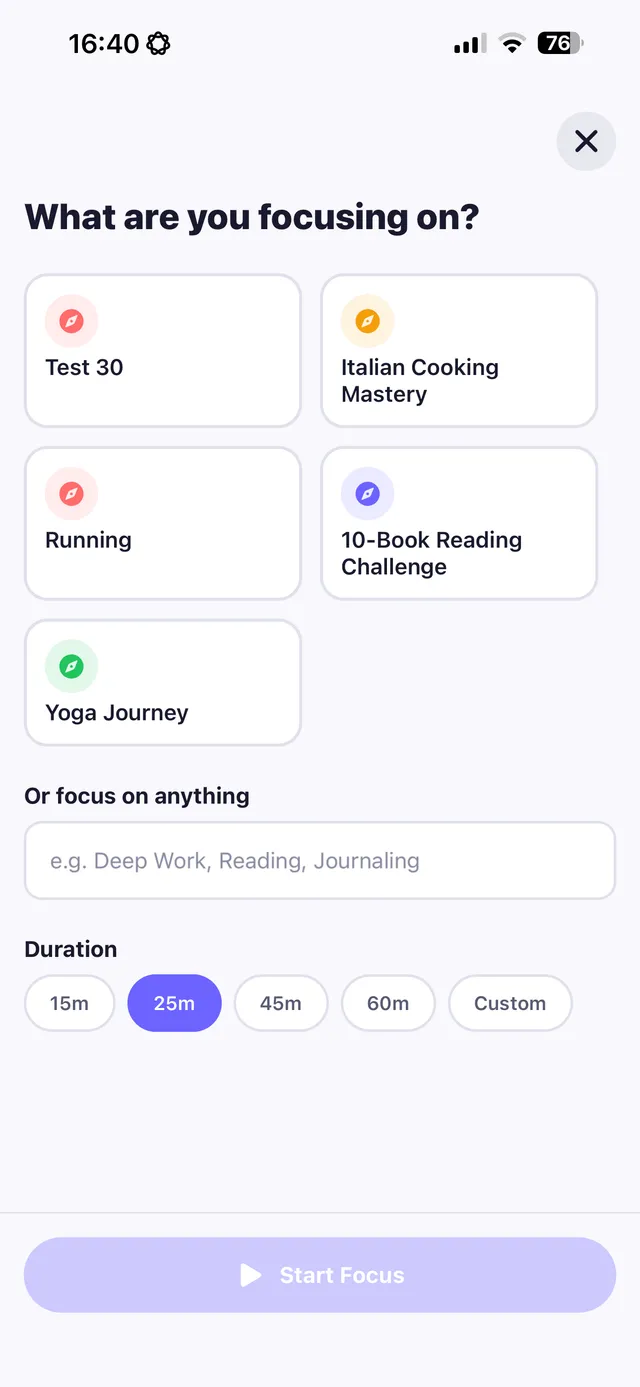
- A focus-timer sprint on something small you've been avoiding
- A book within arm's reach where the phone used to be
- Messaging a real person instead of reading strangers
The trick is to decide the replacement in advance and make it the path of least resistance — this is the core of habit replacement, and it's what makes the change durable.
Replacify helps you swap a bad habit for a better one — with structured paths, an SOS button for cravings, a focus timer, and streaks that keep you going.


Step 3 — Have a plan for the urge itself
When the pull hits anyway, don't negotiate. Run a quick craving SOS: name it, delay 5 minutes, change your physical state, and start your replacement. The urge crests and passes faster than you expect.
Step 4 — Track it so you can see progress
Screen time creeps back invisibly. What gets measured gets managed: track your replacement reps and watch the streak build. Seeing "12 evenings without the spiral" is far more motivating than a vague intention to "use my phone less."
The takeaway
You won't out-discipline an app designed by hundreds of engineers to hold your attention. But you can out-design it: add friction, pre-plan a same-reward replacement, have an SOS for the urge, and track the trend. Replacify bundles exactly this — a focus timer, replacement paths, an SOS button, and streaks — so quitting doomscrolling becomes a system, not a daily fight.
Frequently asked questions
Why can't I stop doomscrolling?
Feeds use variable rewards (like a slot machine) and infinite scroll with no natural stopping point. Combined with stress and fatigue, this creates an automatic loop that willpower alone struggles to beat — the fix is changing the mechanics and replacing the routine.
What should I replace doomscrolling with?
A low-effort, genuinely distracting activity that hits the same reward: a short walk, stretching, a focus-timer sprint, reading, or messaging a real person. Decide it in advance and make it easier to reach than your phone.
Does grayscale mode really reduce scrolling?
For many people, yes. Color is part of what makes feeds compelling; switching to grayscale reduces the visual pull and makes it easier to put the phone down.
How long to break the doomscrolling habit?
Expect a few weeks of consistent replacement. The strongest predictor of success is not relapsing two days in a row — tracking your streak helps keep the new routine on track.
Replace the habit. Not yourself.
Replacify helps you swap a bad habit for a better one — with structured paths, an SOS button for cravings, a focus timer, and streaks that keep you going.